
Sidebar navigation and core structure
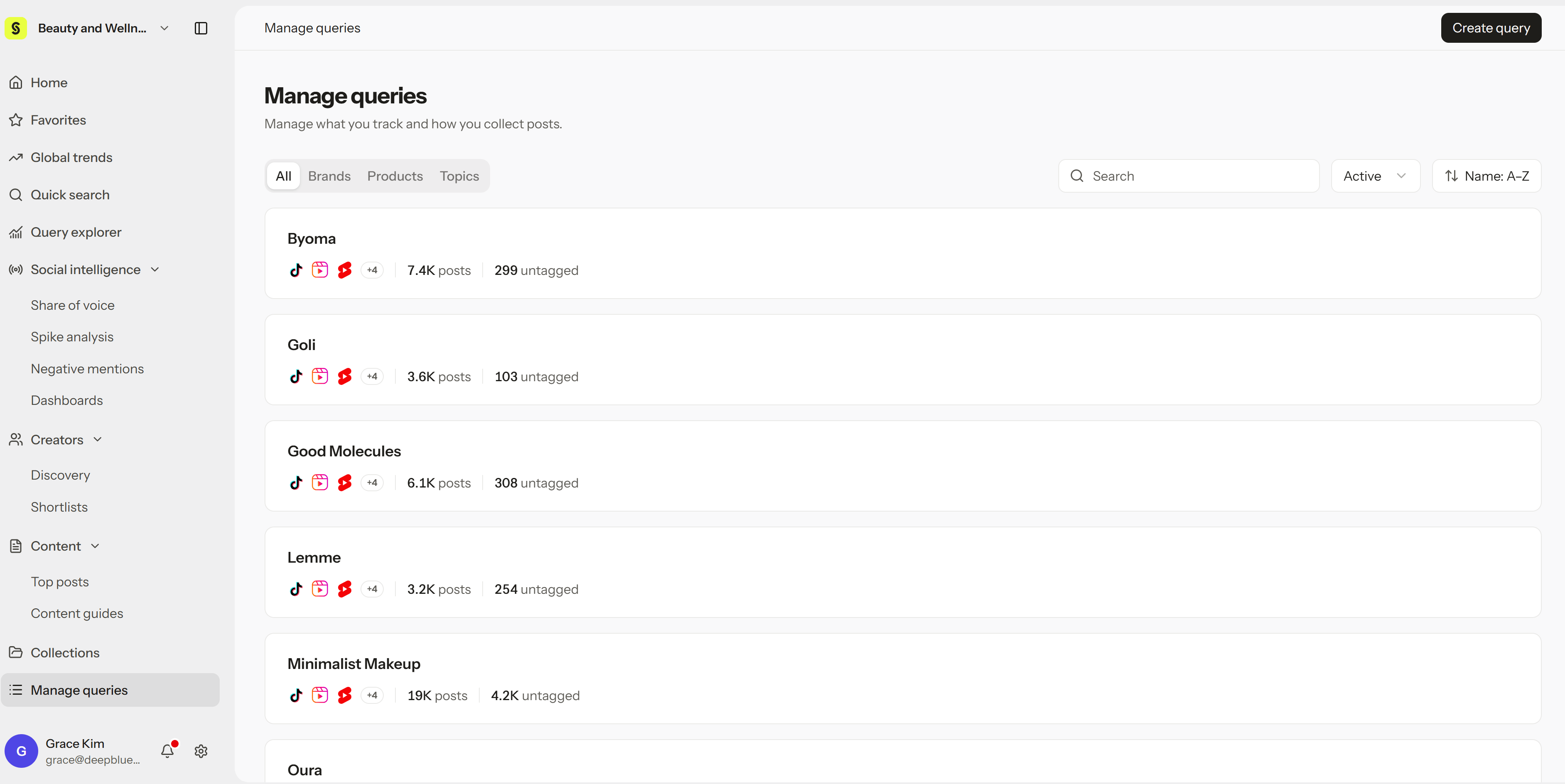
Core concepts detailed
Tracking and discovery
- Workspace: The shared space for your team, with its own members, data, and role permissions.
- Query: What Syncly continuously collects and analyzes for a brand, product, or topic. You create and manage Queries in Manage queries.
- Post: An individual piece of collected social content. One post can belong to more than one Query.
- Quick search: A fast way to find posts and see platform trends from the last 30 days.
- Global trends: Daily and weekly trends by country and theme, with email subscriptions.
Analysis and organization
- Query explorer: Where you analyze and compare Queries of the same type across posts, performance, sentiment, conversation, and demographics.
- View: A saved set of Queries, date range, and filters in Query explorer, so you can return to the same analysis later.
- Social intelligence: The sidebar section with focused analysis tools: Share of voice, Spike analysis, Negative mentions, and Dashboards.
- Collection: A shared folder where your team saves important posts.
- Chart: Metrics and trends shown as a table or graph for the conditions you select.
- Dashboard: A board you build from charts, text, and filtered post lists.
- Hey Syncly: An AI assistant that answers questions about your current Queries and filters, or about posts you select, such as summaries, comparisons, or common complaints.
- Content strategy: A breakdown of a short-form video across six dimensions: hook, narrative structure, visual format, unique selling points, call to action, and psychological triggers. See how to read each dimension.
Saving and delivery
- XLSX Export: Creates a spreadsheet from the latest data that matches your filters.
- Dashboard sharing: Use the Share menu at the top right of a dashboard to Copy link for teammates or Export to PDF.
- MCP (Model Context Protocol): Lets AI assistants like Claude query your workspace data, within your role permissions (Viewer or higher), after you sign in.