Review tracking settings
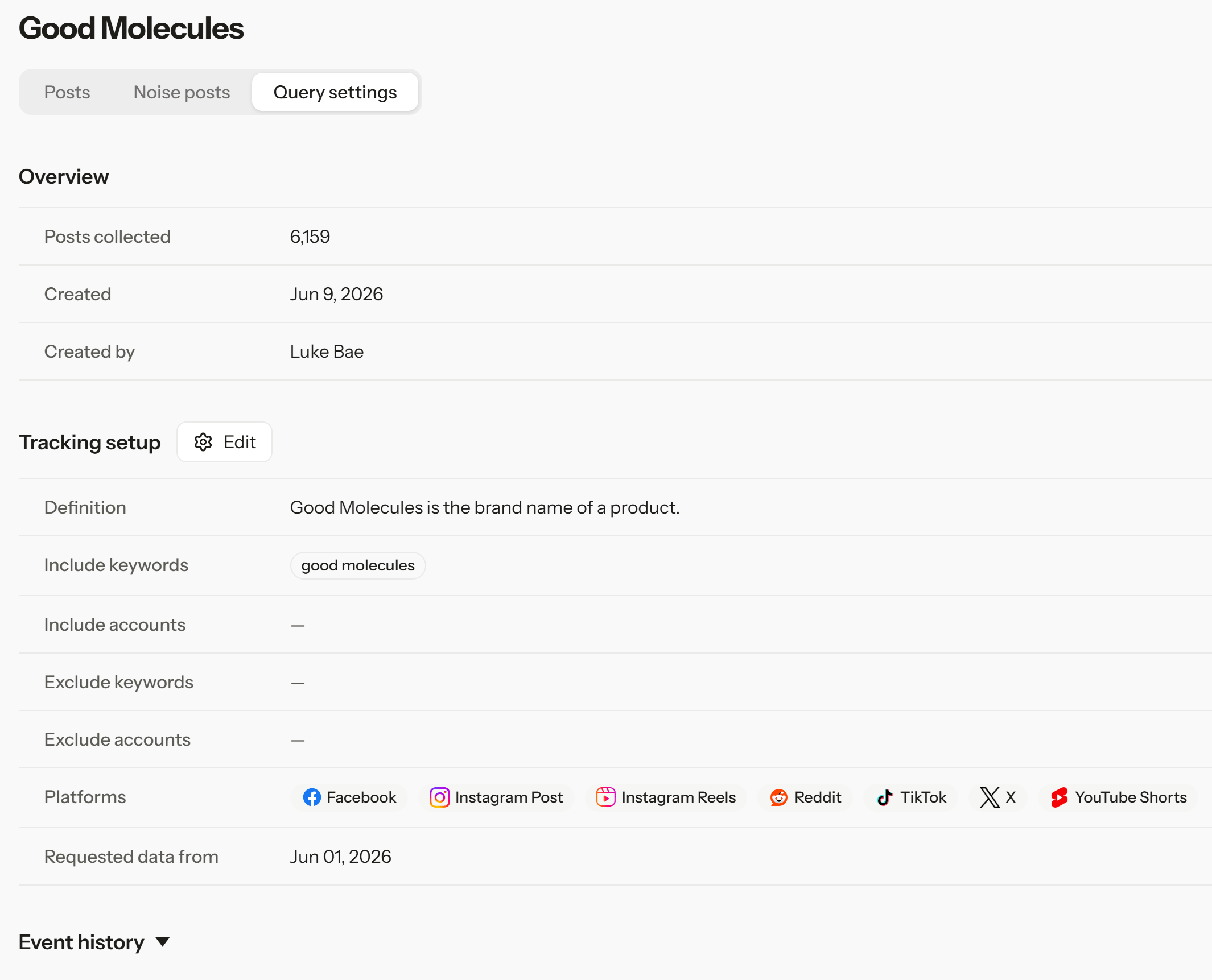
- In the sidebar, open Manage queries and select a Query.
- Open the Query settings tab.
- Under Tracking setup, review Definition, Include keywords, Include accounts, Exclude keywords, Exclude accounts, and Platforms.
Edit exclusions
- With Editor or Admin permission, select Edit.
- Update the keywords and accounts to exclude.
- Select Save filter.
- Review the notice about which posts are affected.
- Confirm, then check the updated settings and the Posts tab.
You can edit exclusions once the Query’s first collection is complete. New exclusions apply right away. Posts removed by an exclusion aren’t added back if you remove it later, so create a new Query if you need them again.
Check usage
In workspace settings, open Query usage to see your Query capacity, daily collection limit, and current usage. If you often hit the daily limit, narrow your keywords or add exclusions to cut down on unrelated posts.Daily collection limit alerts
If a Query’s daily collection reaches 90% or more of its limit, you’ll get a notification. It means some posts that day may not have been collected. It doesn’t confirm that any are actually missing. Select the notification to open the Query’s Query settings and Event history, which covers the last 60 days.Troubleshoot
- Changes don’t show after saving: Check that both the settings and the Posts tab have refreshed.
- Saving fails: Check the format of the keywords and accounts, and that you have Editor or Admin permission, then try again.
- You keep reaching the limit: Review your keyword scope and usage, then contact your Syncly representative about more capacity.